Connect the Tesla to your iPhone hotspot
Use Tesla Wi-Fi to join your iPhone Personal Hotspot.
 CabinCast
CabinCast
Show your iPhone screen wirelessly on Tesla. Free to use.
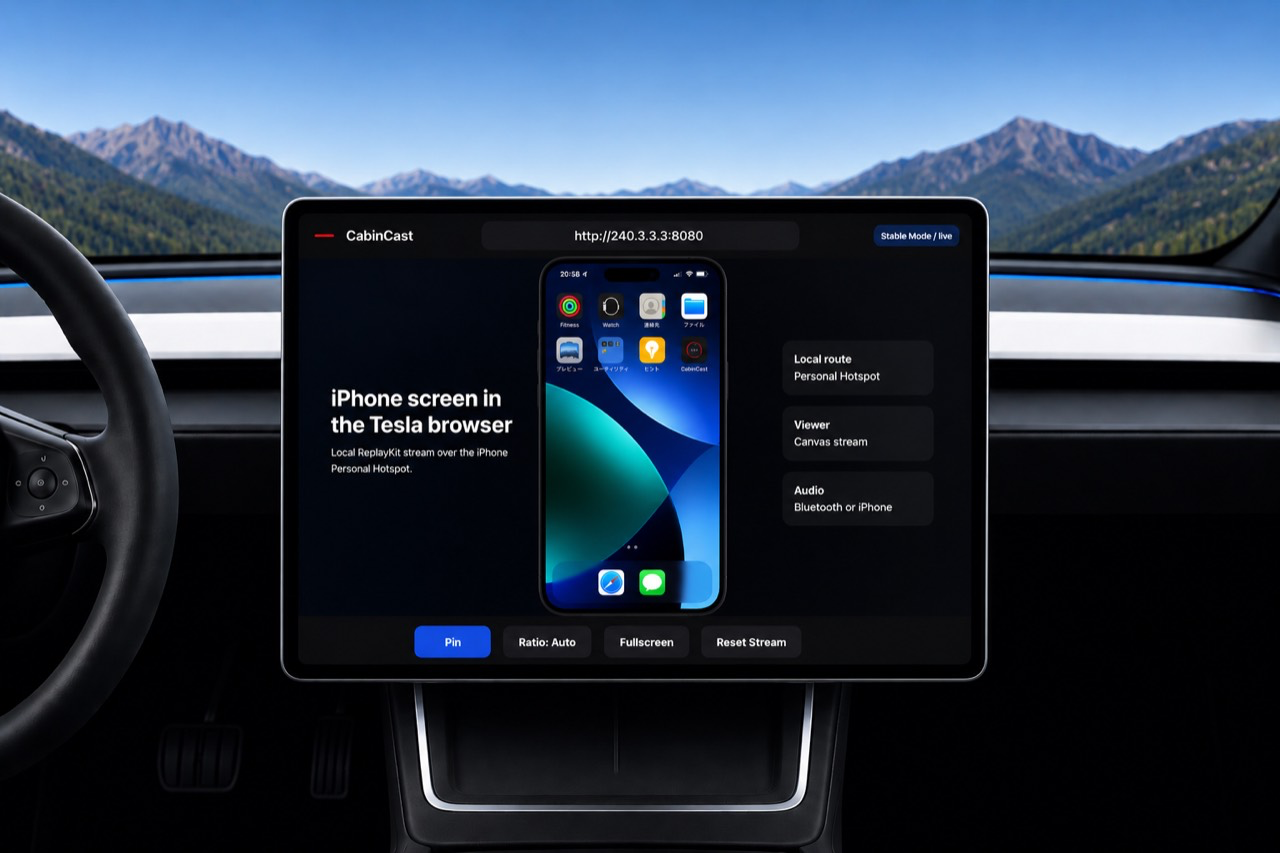
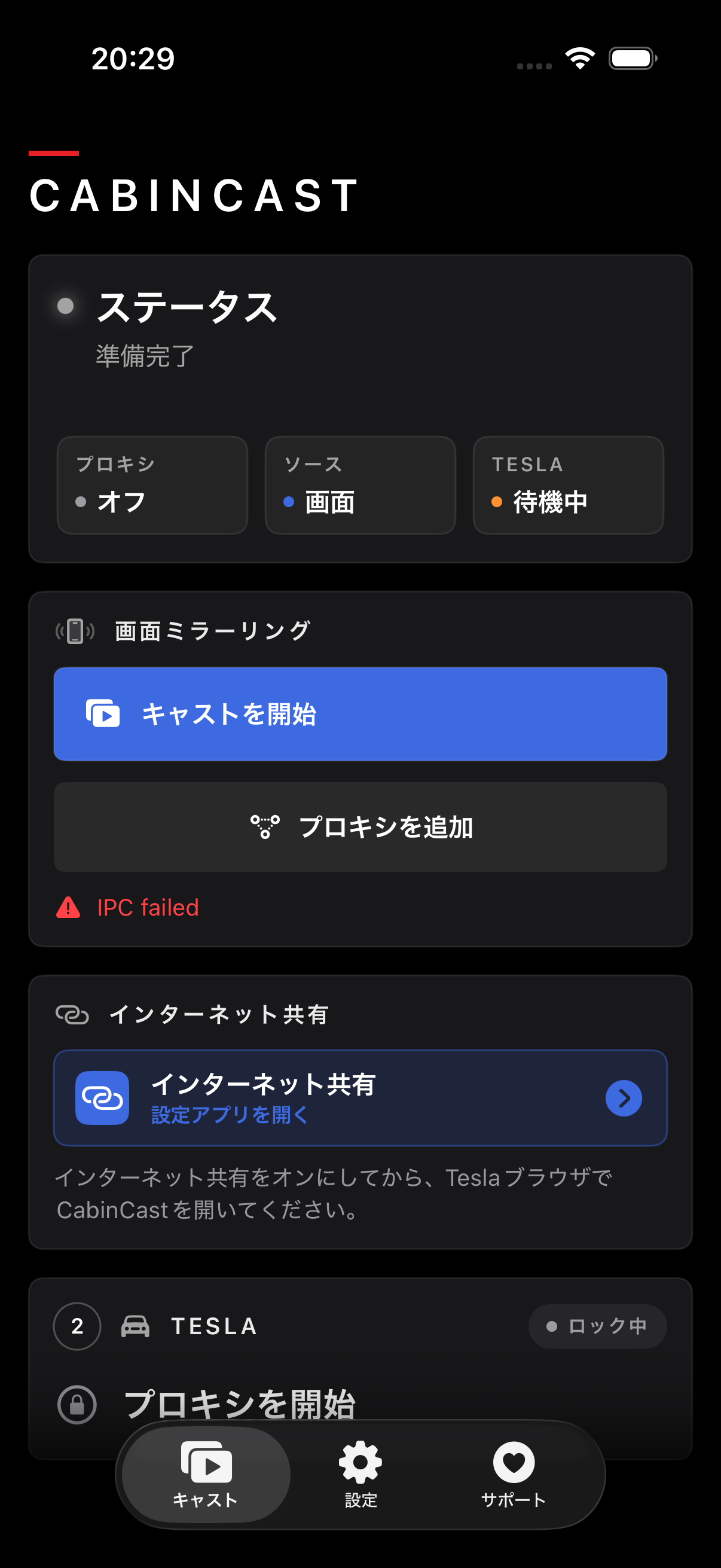
Connect in three steps.
Use Tesla Wi-Fi to join your iPhone Personal Hotspot.
Tap Start Sharing.
Open the browser in your Tesla and view your iPhone screen on the big display.
CabinCast is free to use. If you want to support the app, Supporter mode helps fund future updates and unlocks new experimental features.
CabinCast shares your screen from your iPhone to your Tesla over Personal Hotspot. The screen is not sent through the internet, so it can keep working without relying on cellular data after the hotspot connection is active.
Your iPhone and Tesla talk to each other through Personal Hotspot.
Screen sharing does not need mobile data.
CabinCast is view-only. Touch control stays on the iPhone, and protected video may appear black.
Quick answers before you contact support.
Yes. CabinCast is free to use for iPhone-to-Tesla screen sharing.
No. Your iPhone shares the screen with the Tesla over Personal Hotspot.
Yes. Once the Tesla is connected to your hotspot, CabinCast can keep working without cellular signal.
No. Protected video apps restrict screen sharing, so the video content usually appears black.
Hotspot quality, the Tesla browser, iPhone heat, and the selected quality option can all make a difference.
Support helps fund development and gives you access to new experimental features.
Yes. If the iPhone gets hot, a lower-quality option can help keep things stable.
No. CabinCast shows the screen only. You still control everything on the iPhone.
Use the support page for the browser address, hotspot checks, fullscreen help, and known limits.